NIP College · Site Rebuild
Rebuilt a custom-PHP college website as a maintainable WordPress site — same identity, modern stack, real velocity.
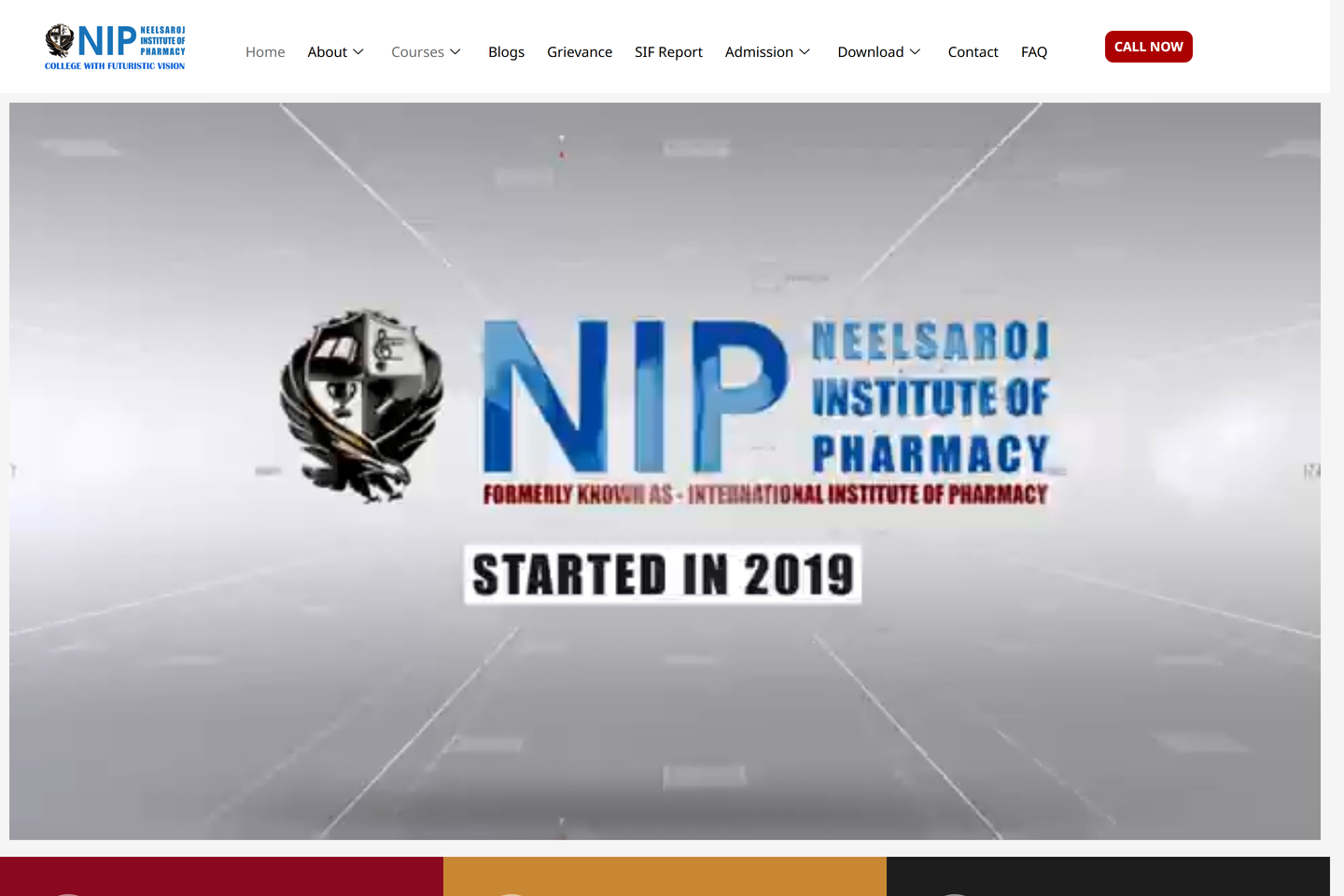
The site nobody could maintain
NIP College had a website that worked. It rendered in browsers. It had pages. The phone numbers on the contact page even rang.
It also had been built in custom PHP somewhere around 2014, by a developer the college no longer worked with, on a stack the current team had never touched. Every change — a new course, a new faculty member, a new admissions deadline — went through a chain that ended with someone editing PHP files over FTP. Nothing was easy. Most things were risky. The result: the site got updated maybe twice a year, and the college’s marketing surface was effectively frozen.
The brief was simple to state and tricky to execute: same brand, same content, same URLs, but on a stack the team can run themselves.
Why WordPress, again
I chose WordPress for the same reason I chose it for the ABS / NGI build — the team already knew it. The college had two staff members with WordPress experience; they had zero PHP-from-scratch experience. The migration target picked itself.
The harder question wasn’t what stack. It was how do we move a decade of content without breaking anything.
The migration risk that nobody outside SEO understands
A college website that’s been live for ten years has thousands of indexed URLs. Faculty profiles. Course pages. News announcements. PDF downloads of brochures. Most of those URLs are pulling search traffic. Some of them are linked from other education sites — the kind of inbound links that take years to earn.
Break one of those URLs and the page that used to rank disappears.
Most people who do this kind of migration don’t understand that breaking URLs is the most expensive thing you can do. They think the design is the deliverable. The design isn’t the deliverable. The deliverable is the same SEO equity, but on a maintainable stack. That means every old URL has to either still work or 301 to its new equivalent.
We mapped every legacy URL — about 800 of them — and produced a redirect plan before writing a single line of new code. Every faculty profile got a corresponding new URL. Every course page got either kept or redirected. Every PDF download got moved to the new media library with its old path 301’d. The redirect plan went into a CSV, then into Apache config, then into a post-launch test that hit every old URL and verified a 200 or a 301.
We didn’t lose a single inbound link. Search rankings stayed intact through the transition. That’s the success metric most agencies don’t publish because they didn’t measure it.
What got better, beyond the stack
Migration was the deliverable. But once you have the team able to edit content, secondary improvements compound.
- Mobile rendering — the legacy site was responsive in name only. The new site is mobile-first. Most of the audience is on phones; this was overdue
- Page speed — the legacy site was a 4-second Largest Contentful Paint on a mid-tier Android. The new build is under 1.5s
- Schema and SEO meta — the legacy site had nothing structured. The new build has full Course, Person, and EducationalOrganization JSON-LD. The college’s faculty profiles can now show up in Google’s AI Overview answers
- Editorial admin — courses, faculty, and news are now custom post types with the right fields, not free-form posts where anyone could break the layout
What I shipped
- Full conversion of the legacy PHP codebase to a WordPress build with a custom theme
- Theme that preserves the existing brand and information architecture — the college is recognizable, just sharper
- Editorial admin so the comms and admissions teams update content without engineering
- Full URL preservation — every old page is either still there or 301’d
- Performance and SEO baseline rebuilt — fast on mobile, indexable, schema-clean
- Migration script for existing pages, faculty profiles, news, and admissions content so nothing got lost
- Lead form on the admissions page wired into the CRM so enquiries don’t sit in a shared inbox
Tech notes
- WordPress on Hostinger managed hosting
- Custom theme — no page builder. Page builders are an admin convenience that ships engineering debt
- ACF Pro for the structured post types
- A 301 map maintained as a CSV, deployed via
.htaccess, monitored via a post-launch crawl that hits every old URL - Cloudflare in front for caching and TLS
- Schema.org JSON-LD for Course, Person, EducationalOrganization — the patterns Google rewards in AI Overviews
What was harder than it looked
Image migration. The legacy site had photos at non-standard paths, often with hardcoded absolute URLs. Some lived inside the PHP files as string literals. The auto-importer caught most. The remaining 12% required hand-mapping — tedious but necessary, because broken images on a college’s faculty page is a trust problem, not a UX problem.
The other quiet hard problem was the team’s anxiety about going live. They had been burned by previous “redesigns” where everything broke for a week. We staged the migration on a subdomain, ran it for two weeks in parallel with the old site, and only flipped DNS when the redirect tests came up green. That extra week of patience was the difference between a calm launch and a panicked one.
Outcome
A site that the college can run on its own — content changes happen the same day, not the same sprint. Same brand, same URLs, no broken links — just a much sharper product underneath. Search rankings held through the migration. Mobile rendering went from broken to good.
What I’d do differently
I’d ship the analytics rollover before the launch. We turned on Search Console and GA4 the morning of go-live, which means we don’t have a clean before-after read on the first three days. Setting it up two weeks ahead would have made the impact analysis much sharper. A migration without measurement is faith-based.